Redesign My Room With AI: Upload a Photo, Get 4 Renders
Redesign your room with AI in minutes: upload one photo, pick a style, get 4 photorealistic renders plus a shopping list. Try it free.
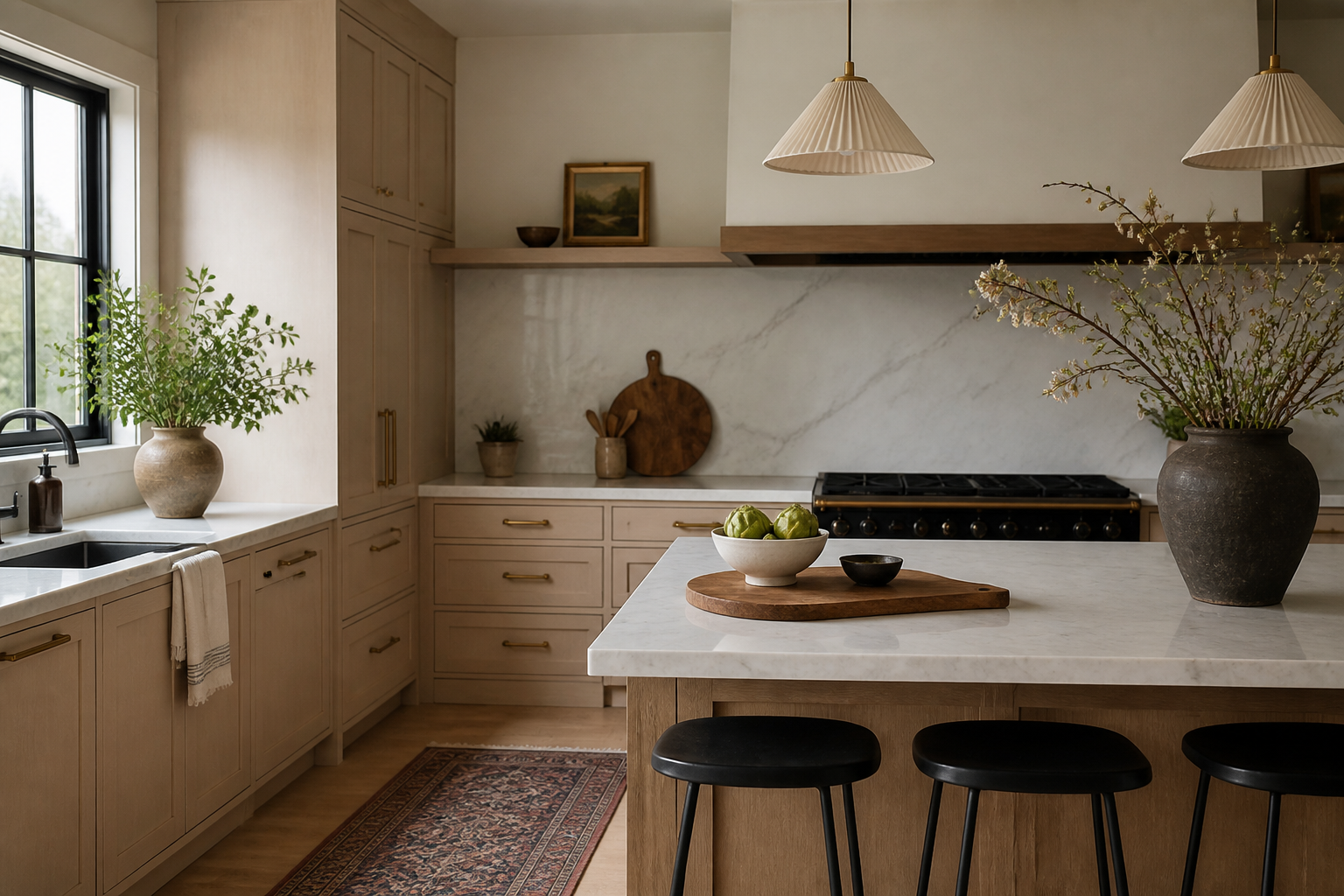
Redesign My Room With AI: Upload a Photo, Get 4 Real Options
Search "redesign my room with AI" and you're not looking for a moodboard or a definition. You're standing in a room, phone in hand, wanting to see what it could actually look like in the next five minutes. That's the whole job here: upload one photo of your real room, pick a style, and get four photorealistic redesigns of that exact room, plus a shopping list of pieces that match. No sign-up novel, no waiting on a designer's calendar.
What happens when you upload the photo
The process is short on purpose, because you didn't come here to learn a new app. There are three steps between you and a finished set of renders.
- Upload one photo of the room as it looks right now, clutter and all. The tool works with the room's real geometry, so the window on the wrong wall or the radiator under the sill stays exactly where it is in every version.
- Pick a style from 12 options, from Scandinavian to Art Deco to Maximalist. You're not writing a prompt or describing what you want; you're choosing from a fixed list because that's what actually produces a coherent room instead of a mismatched mess.
- Get four photorealistic redesigns back, each a different take on that style applied to your specific layout, plus a shopping list of matching items for the paid plan.
That's the entire flow. There's no floor-plan tool and no separate color-palette generator bolted on; the redesign itself carries a cohesive palette, but the whole product is upload, pick, render, shop.
The 12 styles, and what each one actually solves
Picking a style is the one decision you make, so it's worth knowing what each tends to fix in a real room rather than a showroom.
| Style | Works well for |
|---|---|
| Scandinavian | Rooms with decent natural light that feel cluttered; pares back to pale wood and one accent color |
| Japandi | Small bedrooms and living rooms where you want calm without going stark |
| Mid-century modern | Rooms with awkward built-ins or low ceilings that need warm wood tones and low-slung furniture |
| Bohemian | Rental bedrooms and living rooms where you can't paint but can layer rugs and textiles |
| Coastal | Rooms with good light that read cold or generic beige |
| Industrial | Home offices and living rooms with exposed brick, ductwork, or concrete you want to work with |
| Modern farmhouse | Kitchens and dining rooms with a mix of old and new furniture |
| Minimalist | Small rooms that need fewer, better-chosen pieces |
| Traditional | Living and dining rooms with existing wood furniture you want to keep |
| Art deco | Entryways and living rooms that can carry bolder color and metallic accents |
| Maximalist | Rooms you want to fill with pattern and color rather than pare down |
| Biophilic | Dining rooms and offices with plants already in the mix or window light to build on |
If you're already unsure which one fits, upload the photo now and try two styles side by side before committing to either. Seeing your actual couch under Japandi versus Mid-century settles the debate faster than scrolling reference images.
What you get back, and what it costs
The free tier gives you a limited number of renders, enough to test the idea on one room. The paid plan unlocks unlimited renders, high-resolution downloads, and the shopping list export, which is the part that turns a render into an actual purchase order instead of a nice picture. If you're weighing whether the free version is enough for a single room, here's what you actually get for $0 before you decide to upgrade.
Why a photo beats a mood board
A Pinterest board tells you what a style looks like in someone else's house with better light and a bigger budget. It doesn't tell you whether that rattan headboard fits between your window and your closet door, or whether the color reads warm or cold against your specific north-facing wall at 4pm. Because the redesign starts from your own photo, the four options you get back are working with your room's real dimensions and its real light, not an idealized version of a room like yours. That's also the difference between this and a sketch-style tool: a photorealistic render shows you material and light, not a diagram you have to imagine your way into.
One honest limit
This is a decor-scale tool, not a renovation planner. It will restyle furniture, paint, textiles, lighting, and art within your existing walls, cabinets, and layout. It won't move a wall, swap your countertop, or retile a floor, and it won't guarantee that a specific rug or lamp in a render is in stock at a specific price. What it will do, reliably, is show you four different directions for the room you actually have, each one paired with a shopping list of matching products so you're not left guessing what to search for afterward.
Try it on the room you're in right now
You don't need a clean room, good lighting, or a plan. Take the photo of the room as it sits, upload it, and pick a style. In under a minute you'll have four versions of your own space to compare, and a list of what to buy for whichever one you actually like. Start your free redesign now.
Frequently asked questions
Can I redesign my room with AI for free?
Yes. The free tier lets you upload a photo and generate a limited number of redesigns before you need to upgrade for unlimited renders and the shopping list export.
Does it work with any room, or only certain layouts?
It works with any of the nine supported room types, including living rooms, bedrooms, kitchens, bathrooms, home offices, and outdoor patios, and it uses the geometry in your actual photo rather than a generic template.
Will the AI move my furniture or change the room's layout?
No. It restyles what's already there with new furniture, paint, textiles, and lighting, but it respects the walls, windows, and fixed features of your real room rather than redrawing the floor plan.
How is this different from just looking at inspiration photos?
Inspiration photos show someone else's room. Uploading your own photo, picking a style, and getting four photorealistic redesigns plus a shopping list shows you your room, so you can judge fit, light, and scale before buying anything.