Best AI Interior Design Tool: 2026 Comparison
Compare the best AI interior design tool options for 2026 — RoomRefresh.ai's photorealistic room renders and shopping list vs. floor-plan tools. Try it free.
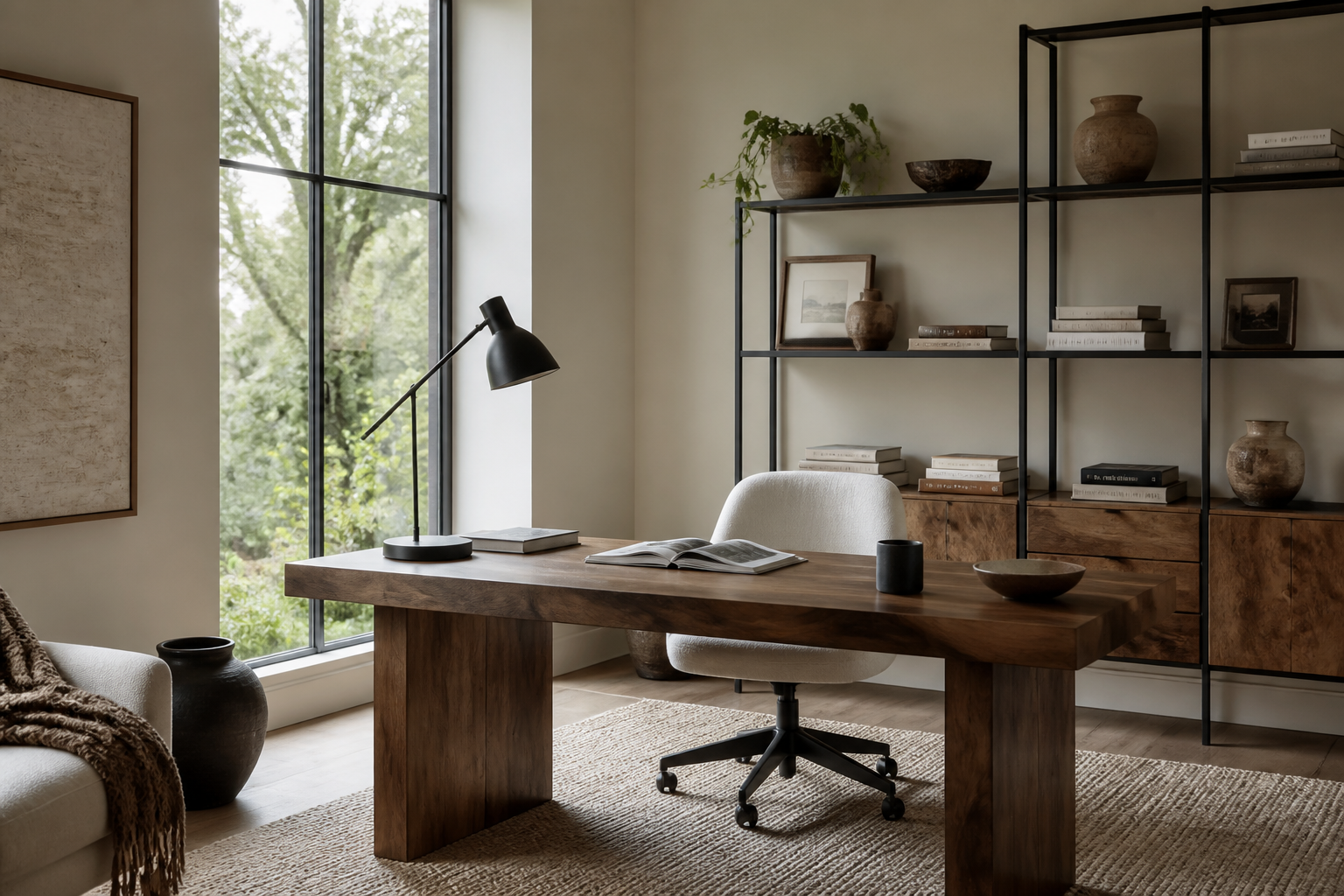
Best AI Interior Design Tool in 2026: RoomRefresh.ai vs. Planner 5D vs. Homestyler
If you're hunting for the best AI interior design tool for 2026 client work or a serious DIY project, Planner 5D and Homestyler have probably shown up in your first page of results — they've had years to build that SEO footing. But if what you actually need is a photorealistic preview of the room you already have, not a diagram of a room that could theoretically exist, the comparison changes shape. This piece lines up RoomRefresh.ai against Planner 5D and Homestyler on the three things a working designer or serious hobbyist cares about going into 2026: whether the output looks real, whether it respects your room's actual geometry, and whether you walk away with a usable shopping list instead of just a picture.
What 'best' means depends on what you're actually building
Planner 5D and Homestyler both have deep roots in floor-plan and diagram-style planning — draw walls, drop furniture blocks, view from above. That's a genuinely useful workflow if you're laying out a space from scratch or need to communicate room dimensions to a contractor. But it's a different job than showing a client, a landlord, or your own eyes what your specific living room would look like in Japandi oak and linen instead of the beige carpet and builder-grade trim it has right now. RoomRefresh.ai's core value is narrower and more specific: upload a photo of your actual room, pick a style, and get four photorealistic redesigns generated from that room's real geometry, not a stand-in template. For anyone whose 2026 workflow ends in 'show the client a picture that looks like their room, not a rendering of a generic one,' that's the tool that fits.
Best AI Interior Design Tool: Side-by-Side Comparison
| Feature | RoomRefresh.ai | Planner 5D / Homestyler |
|---|---|---|
| Output style | Photorealistic renders from your uploaded photo | Diagram / floor-plan visualization (per their public marketing as of mid-2026) |
| Uses your actual room geometry | Yes — redesigns are built on the walls, windows, and layout in your photo | Built around drawn or template floor plans rather than a photo of your specific room |
| Shopping list of real products | Included with every redesign | Not confirmed as a feature; not something we can verify from public sources |
| Number of style options | 12, including Scandinavian, Japandi, Mid-century modern, Coastal, Industrial, and more | Varies by tool; not something we're claiming numbers on |
| Floor-plan / furniture-arrangement drafting | Not offered | Core strength of these tools |
| AR/VR walkthrough | Not offered | Not something we can confirm either way from public info |
| Pricing model | Free tier with limited renders; paid plan for unlimited renders, high-res, and shopping list export | Not specified here — check current pricing directly on their sites |
Where we can't verify a specific number or feature limit for Planner 5D or Homestyler from their own current public materials, we've left it general rather than guessing. Check their sites directly for current specifics before you commit.
Where RoomRefresh.ai actually wins for 2026 work
If you're a solo designer sending a client three or four options before a shopping trip, or a hobbyist trying to decide if that Bohemian rug idea even makes sense against your actual window light, a photorealistic render tied to your real room does something a floor-plan diagram can't: it shows the grain of a live-edge console, the way a linen curtain would actually fall against the window frame that's really in your photo, not a generic rectangle standing in for a window. RoomRefresh.ai's redesigns are built on your room's real walls and proportions, so what you're looking at is a version of your space, not a version of a space. Pair that with a shopping list that links to real products and you skip the step of screenshotting a render and trying to reverse-image-search the sofa.
For a deeper look at how photorealism specifically stacks up across tools on the market right now, see our breakdown of the most photorealistic AI room design apps. If you're weighing shopping-list features specifically, we also cover which AI interior design tools include a shopping list and, for a broader field, RoomGPT alternatives.
Try it on your own room
The fastest way to settle this for your own workflow isn't reading a comparison table, it's running the same room through more than one tool. Upload a photo of your living room or kitchen to RoomRefresh.ai, pick a style, and see the four redesigns and the attached shopping list. The free tier gives you limited renders, which is enough to judge fit before you decide whether the paid plan's unlimited renders and high-res export earn a spot in your 2026 toolkit.