App to Redesign My Room from a Photo: RoomRefresh.ai
Looking for an app to redesign my room from a photo? See how RoomRefresh.ai compares to Planner 5D and Homestyler, then try the free tier.
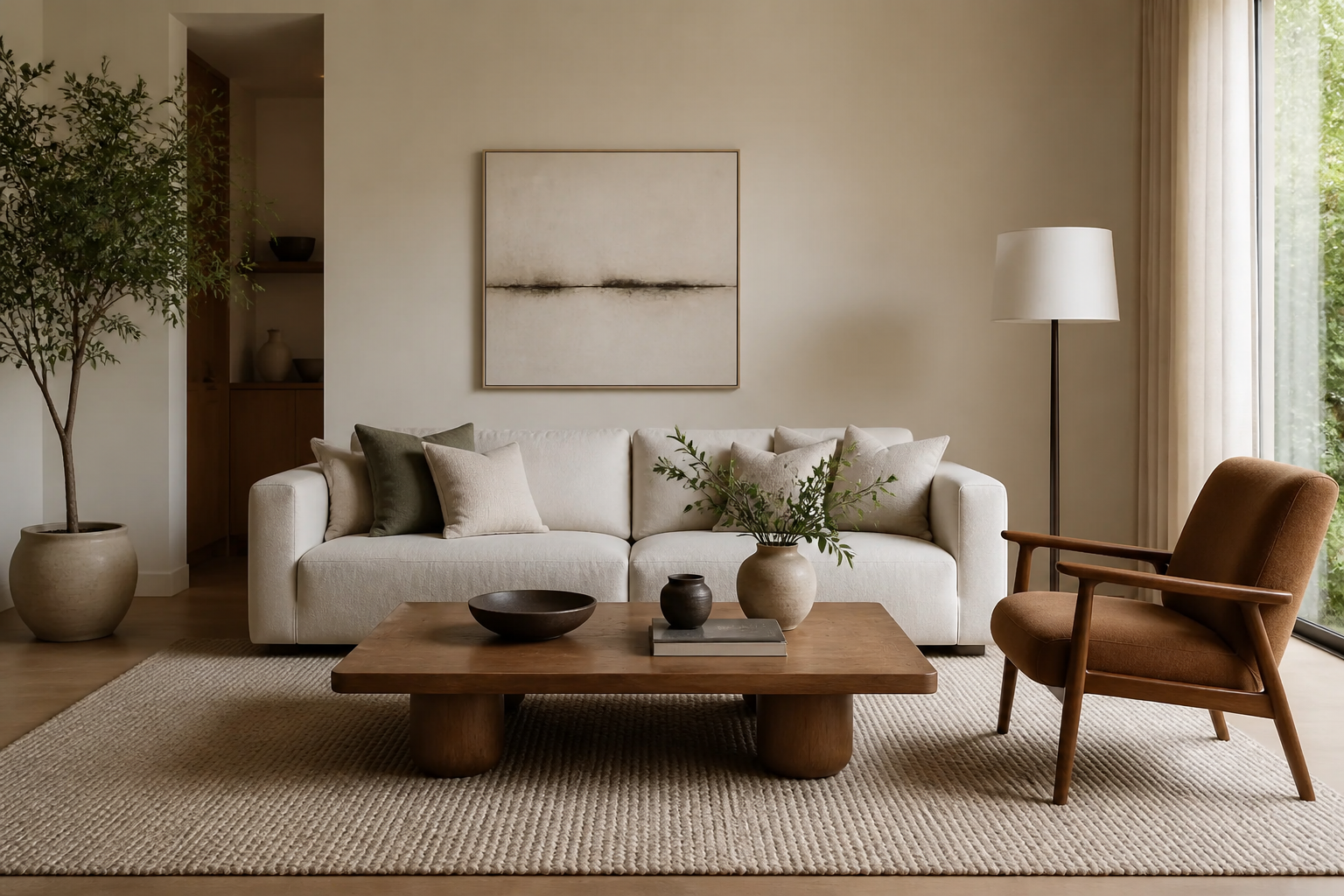
App to Redesign My Room from a Photo: RoomRefresh.ai vs. Planner 5D vs. Homestyler
You have one photo of the room you want to change — a phone shot of your living room, taken at whatever angle happens to catch the light. When you search for an app to redesign my room from a photo, you don't want to rebuild that room as a floor plan or drag furniture icons around a blank 3D grid. You want to see your actual walls, your actual window, in a new style, today. That's the gap between RoomRefresh.ai and floor-plan-first tools like Planner 5D and Homestyler: one starts with your photo and hands back a finished-looking room, the other two start with a diagram you build yourself.
Two different starting points
Based on their public sites at time of writing, Planner 5D and Homestyler are built around a scene-builder workflow: you set room dimensions or trace a floor plan, then populate it with a furniture and finish catalog to produce a 3D or diagram-style visualization. That's genuinely useful if you're planning a layout from scratch or don't have a photo to start from.
RoomRefresh.ai starts somewhere else: your photo. You upload the picture you already have, pick a style, and the redesign is generated on top of your room's actual geometry — the wall positions, the window placement, the ceiling height that are already in the frame. You're not re-describing your room to a scene builder. You're seeing your room, redesigned.
Feature Comparison: App to Redesign My Room from a Photo
| Feature | RoomRefresh.ai | Planner 5D & Homestyler (based on public sites at time of writing) |
|---|---|---|
| Starting point | Upload one photo of your actual room | Build a 2D/3D scene or floor plan |
| Output | 4 photorealistic redesigns of your real space | Diagram-style or rendered 3D scene |
| Uses your room's actual geometry (walls, windows, ceiling height) | Yes | Not the default workflow — you typically define the space yourself |
| Shopping list of real products included | Yes, with every redesign | Not confirmed on public site at time of writing |
| Style options | 12 named styles, from Japandi to Maximalist | Varies by catalog |
| Pricing | Free tier with limited renders; paid plan for unlimited, high-res, and shopping list export | Varies — check current pricing on their site |
Why geometry beats a blank scene
A floor-plan tool can tell you where a sofa fits mathematically. It can't tell you what your actual room looks like with that sofa in it, because it never had your room to begin with. RoomRefresh.ai's redesigns are generated from your photo, so the wall your window is on stays the window wall and the ceiling height stays your ceiling height — the render you get back is recognizably your room, just redone. If you're staging a rental for listing photos, deciding whether a certain sofa color will actually work in that awkward alcove, or just trying to talk yourself into a paint color before you buy it, seeing your own walls matters more than seeing a plausible stand-in.
The shopping list difference
Every RoomRefresh.ai redesign comes with a shopping list of matching products, so a style you like turns into an actual list of things you could buy, not just a picture to screenshot and forget. That's the second half of the 'redesign from a photo' request most people are actually making — not just 'show me,' but 'show me, then tell me what to buy.'
None of this is a knock on Planner 5D or Homestyler for what they're built to do — plan a space and iterate on layout before anything exists yet. It's just not what most people mean when they type 'app to redesign my room from a photo.' If that's your literal ask, a tool built around your photo will get you closer, faster, than a tool built around a blank grid.
Try it on your own room
Upload the photo you already have. Pick a style — Scandinavian, Japandi, Mid-century modern, whatever you've been eyeing on your feed — and get four photorealistic redesigns of your actual room, plus a shopping list, on RoomRefresh.ai's free tier. See how RoomRefresh.ai compares to other photo-based redesign tools if you want to weigh photorealism and shopping-list features side by side before you commit to a paid plan.
FAQ
Does RoomRefresh.ai require a floor plan or measurements?
No — it works from a single room photo. Upload what you have, pick a style, and it generates redesigns using the room geometry already visible in that photo.
Is RoomRefresh.ai free to try?
Yes, there's a free tier with limited renders. A paid plan unlocks unlimited renders, high-res exports, and shopping list export.
Can I use this for real estate staging photos?
Real estate agents are one of RoomRefresh.ai's core use cases — you can generate photorealistic redesigns of a listing photo to show buyers a room's potential without touching a single piece of furniture.
Does RoomRefresh.ai do 3D walkthroughs or floor-plan design like Planner 5D?
No — RoomRefresh.ai is built specifically for photo-to-photorealistic redesign, not floor-plan drafting or AR/VR walkthroughs. If you need to plan a full layout from scratch before you have a room to photograph, a scene-builder tool is a better fit for that specific task.
What styles can I choose from?
Twelve, including Scandinavian, Japandi, Mid-century modern, Bohemian, Coastal, Industrial, Modern farmhouse, Minimalist, Traditional, Art deco, Maximalist, and Biophilic.